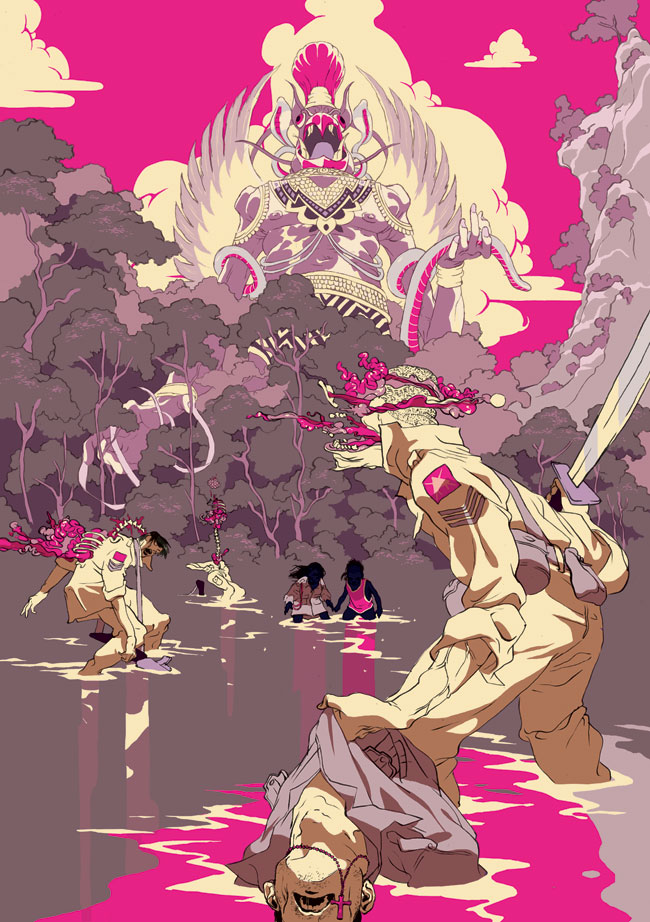
Starting the Drawing ART 220 · Digital Illustration · Session 10
Workhorse Collective
NameAbraham GarciaEmailabe@wrkhrs.co
ART 220 · Fall 2026
MeetsTue + Thu, 12:30 to 3:20TodaySession 10 · 09.24.2026
meaninglayer.com/course/digital-illustration
Session 10
We look at the thumbnails together, and then you start drawing.
01 · Thumbnails on the wall
Everyone pins up their refined sheet and we go around the room once. For each sheet, someone says what the poster is for and I say the one thing to fix. Then we talk about what happens between now and the critique.
02 · Start the drawing
You take your chosen thumbnail onto the full sheet, 9 by 12 or bigger, and draw for the rest of class while I come around to desks.
03 · Tomer Hanuka
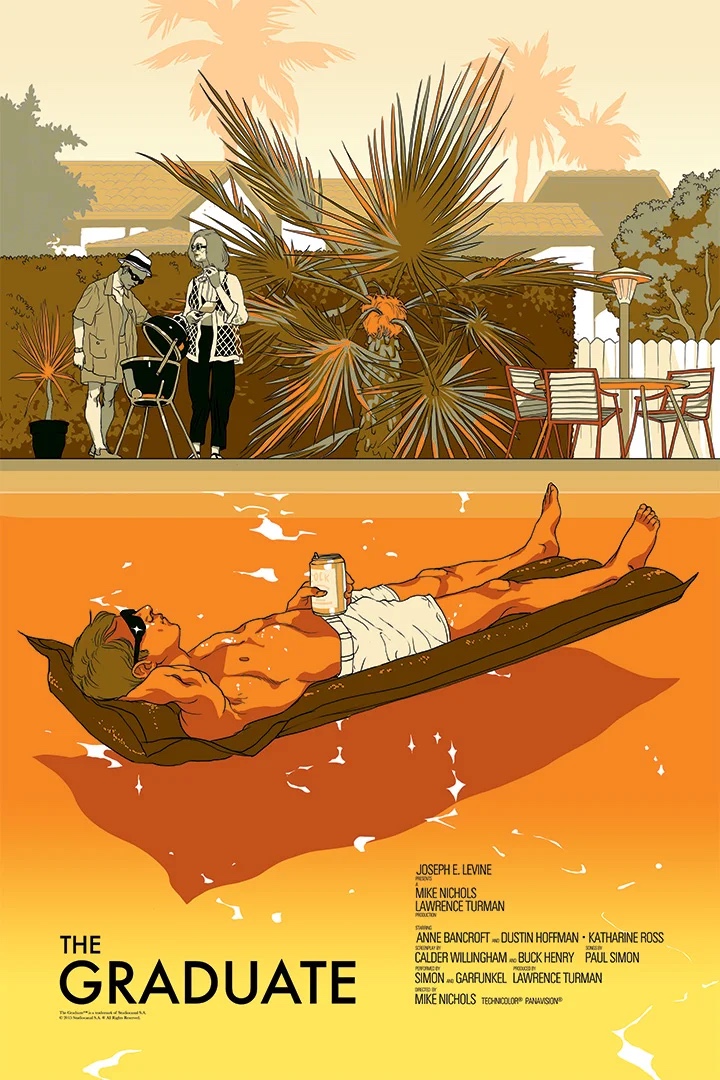
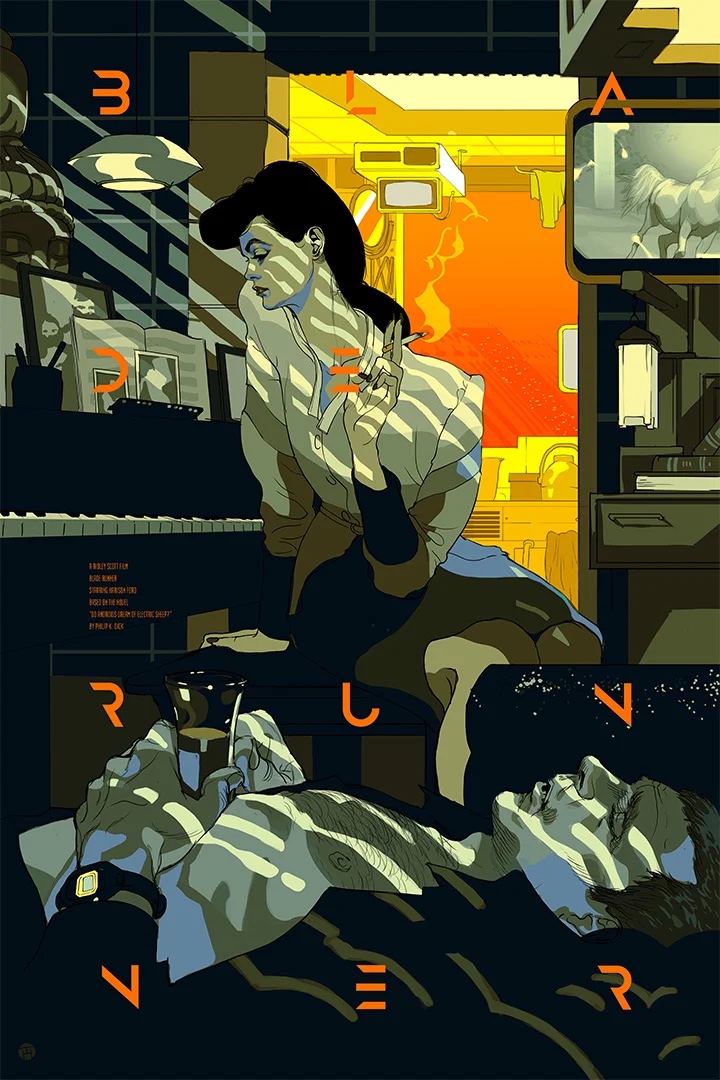
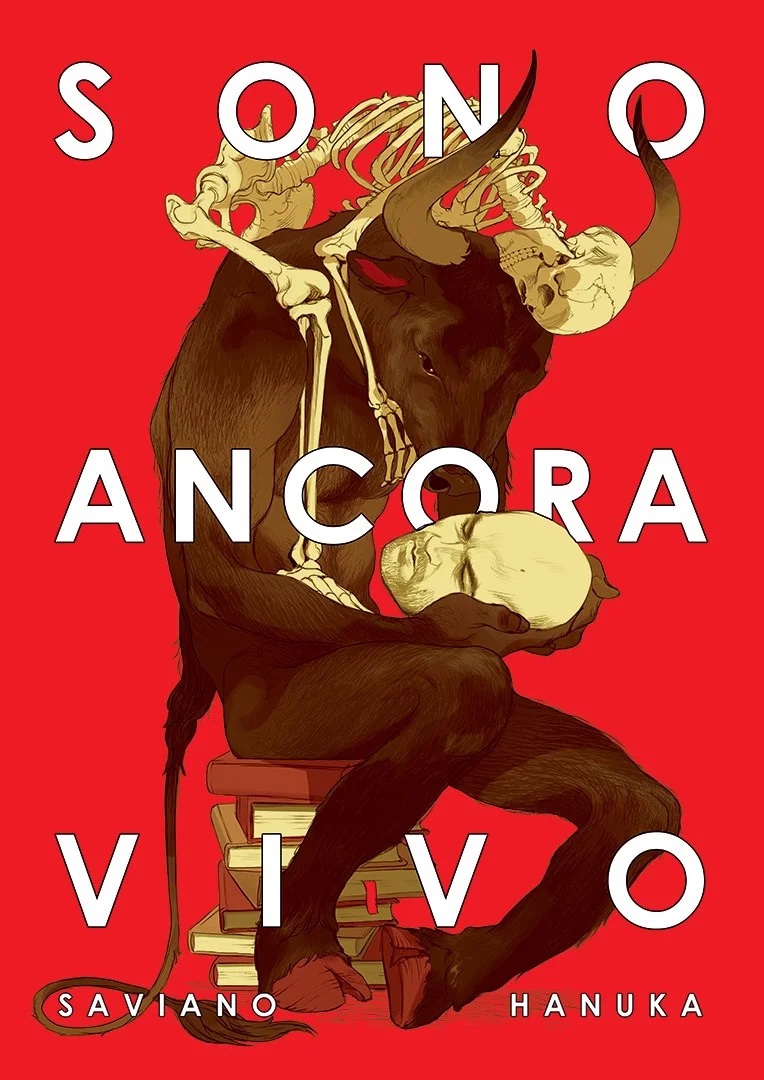
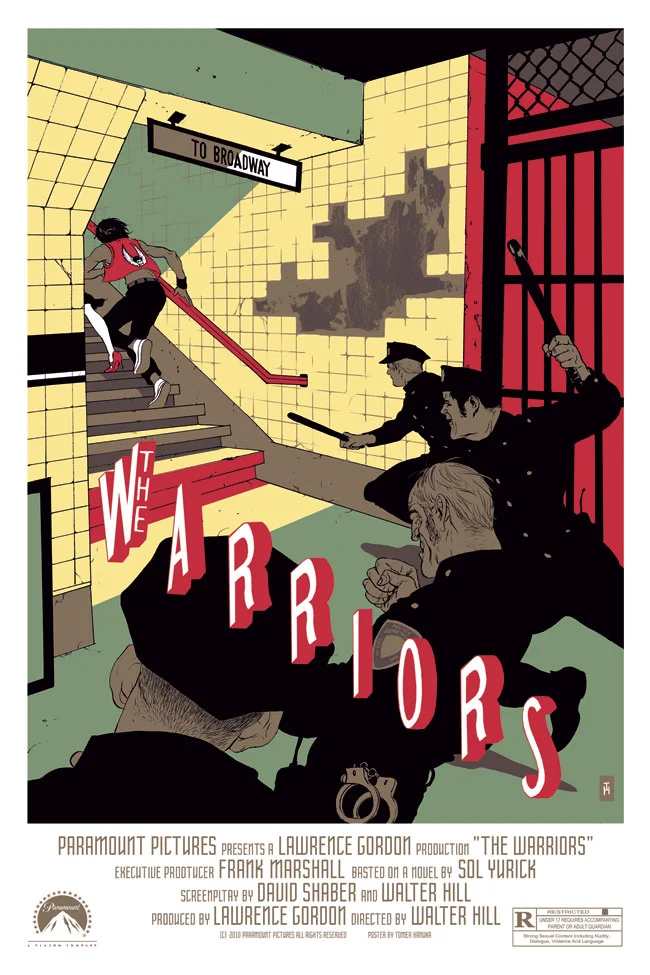
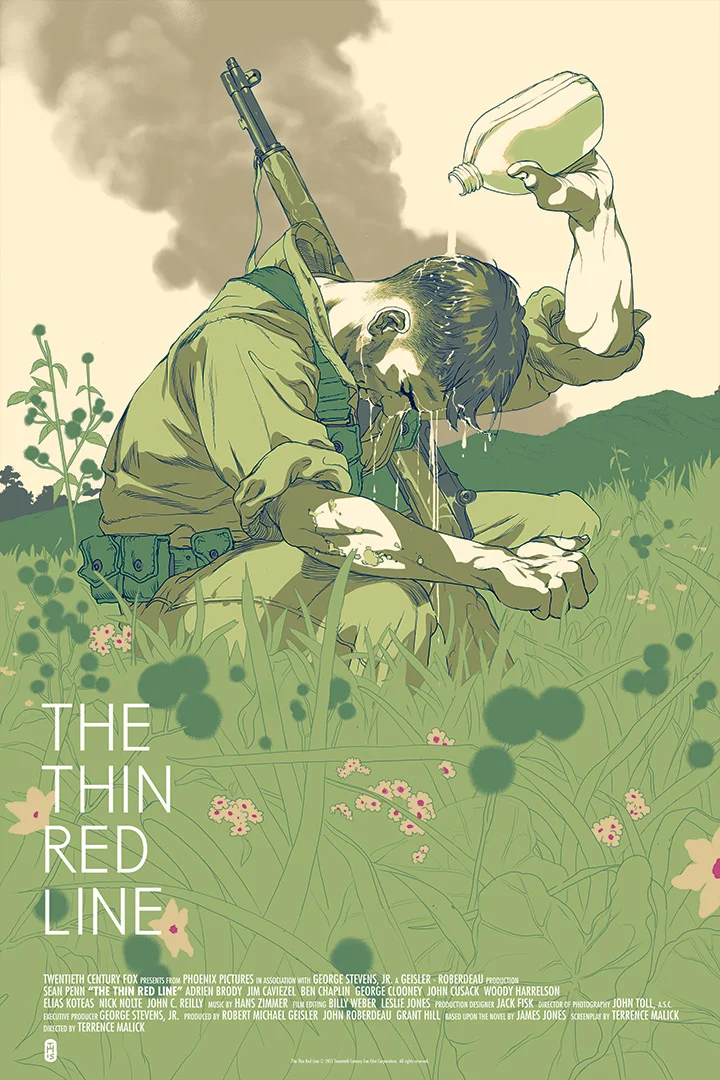
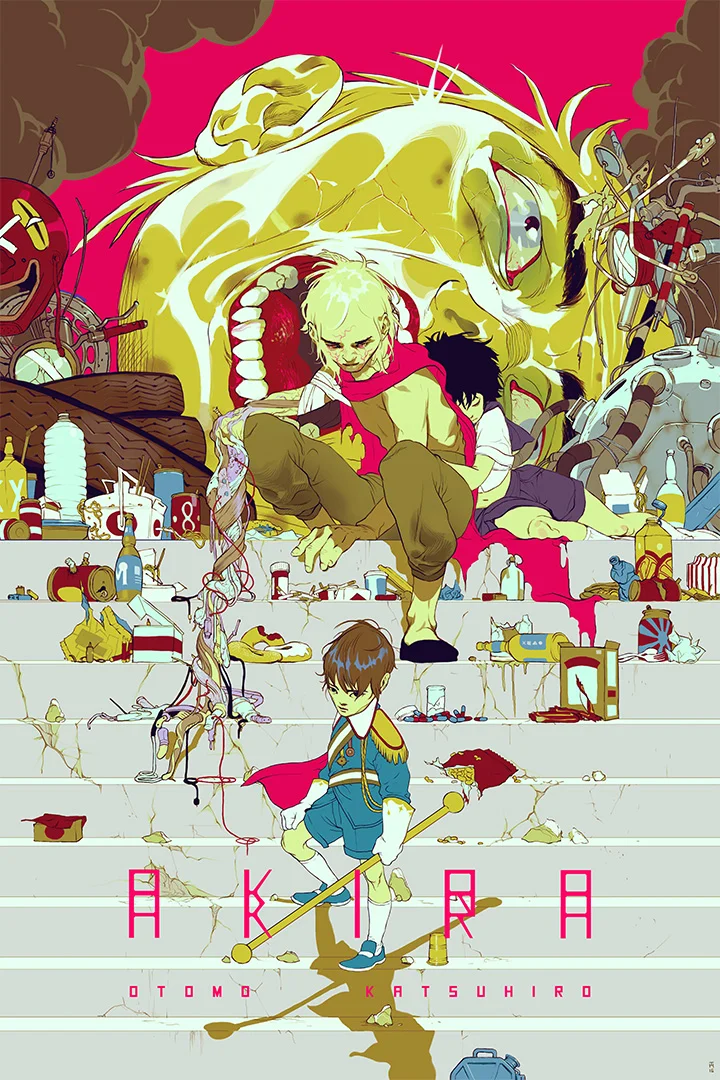
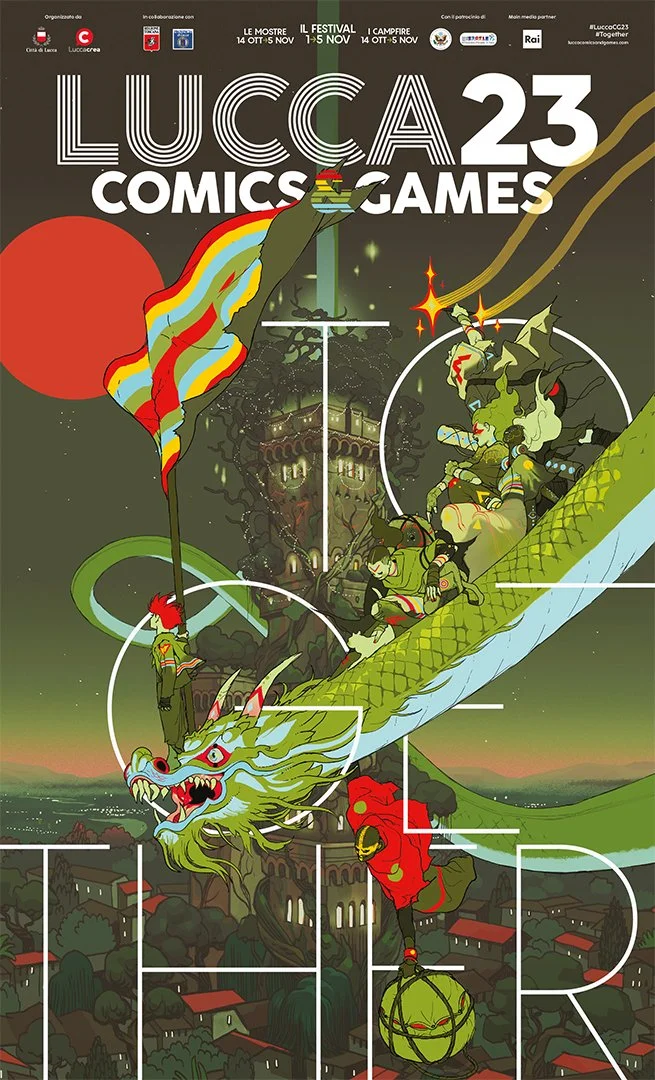
While you draw, the artist of the day. He draws and inks on paper and colors on the computer, which is the path this project takes.
04 · Shadow and texture
Where the drawing goes after it is scanned. The basic moves in Illustrator, then the same moves in Photoshop.
01 · Thumbnails on the wall
Pin up the refined sheet, and we go around once.
What is it forsomeone else answers
Someone who is not you says what the poster is for. If it takes them more than a few seconds, the picture is not carrying the subject yet, and that is worth knowing before you spend three weeks on it. Then you tell us the exact words the poster will carry.
The one thing to fixfrom me, one sentence
Usually one of these: the words need to be bigger, there are two subjects where there should be one, there is not enough contrast, or the main shape is weak. Write it on your sheet before you sit down.
What happens nextbetween now and Oct 15
You finish the drawing by Thursday and we scan it in class. After that comes clean-up, color, texture, and then the proof and the separations. All of it is built on the drawing you start today, so the drawing gets the time.
THE SHEET WITH THE FIX WRITTEN ON IT GOES IN YOUR PROCESS PDF.
02 · Start the drawing
Getting the thumbnail onto the full sheet.
The paper9 by 12 or bigger, smooth, white
Bristol or a heavy drawing paper. The sheet will be scanned at 600 ppi, and any paper texture that shows up in the scan is texture you did not choose. If your marks are fine, draw bigger than 9 by 12 so they shrink into a safe weight instead of being enlarged.
Getting the shapes overgrid it, or trace it
Fold the thumbnail into a grid and pencil the same grid lightly onto the sheet, then draw what is in each box. Or photograph the thumbnail, enlarge it on a screen, and trace the big shapes. Either way only the big shapes come over, and everything else gets drawn fresh at full size.
Pencil first, then inkthe line has to survive doubling
Place everything in pencil and finish in ink. Keep your outline no thinner than box 02 on your mark sheet, because thinner lines go gray when the file is doubled. Draw shadows as shapes, and leave air between hatching marks so they do not fill in.
The wordsdrawn, or a space left for them
If you are drawing your letters, they go on the sheet in ink like everything else. If you are setting a font, leave that area clean and mark it lightly in pencil, and the type goes in on the computer after the scan.
DUE FINISHED THURSDAY OCT 1. WE SCAN IT IN CLASS THAT DAY.
Tomer HanukaIsraeli illustrator in New York. He draws and inks on paper, scans it, and does the color and shading on the computer.
ARTIST OF THE DAY · THANUKA.COM
03 · Tomer Hanuka
Posters and covers.
The GraduateMondo, 2015Blade RunnerMondo, 2019Sono Ancora VivoBook cover, 2023
03 · Tomer Hanuka
Film posters.
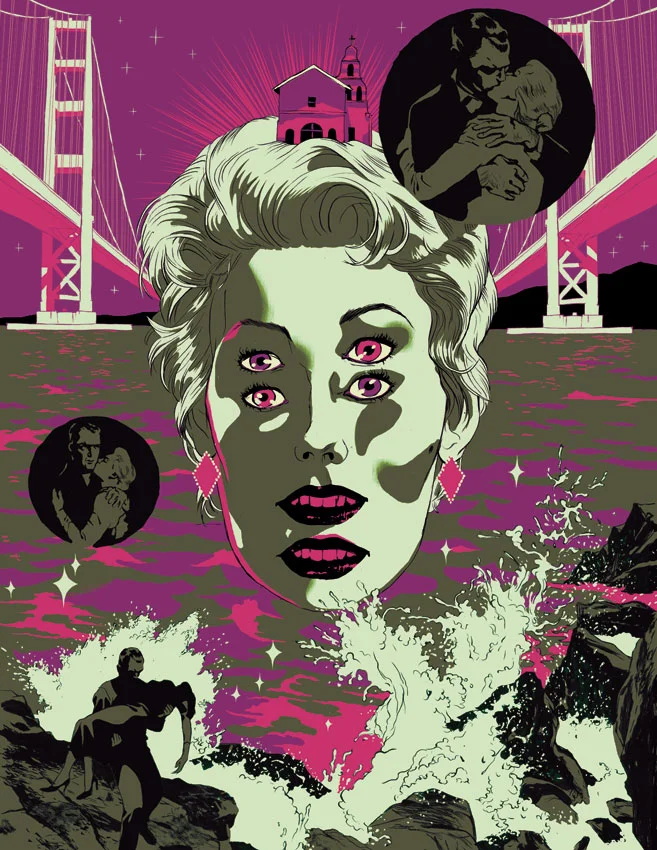
The BirdsMondoThe WarriorsMondo
03 · Tomer Hanuka
Film posters.
The Thin Red LineMondoAkiraMondo
03 · Tomer Hanuka
A festival poster and a cover.
Lucca Comics and GamesFestival poster, 2023The DivineGraphic novel, with Asaf Hanuka and Boaz Lavie
Shadow and textureWhere the drawing goes after the scan. The same two moves, first in Illustrator and then in Photoshop.
FOR LOOKING UP FROM THE DRAWING. NOBODY NEEDS A LAPTOP OPEN TODAY.
04 · Illustrator
One shape, four ways to shade it.
Shadow as a shapeCopy the object, paste in front, nudge it away from the light, and use Draw Inside (Shift D) so it stays inside. Fill it with a darker swatch.Soft shadowA copy filled with a gradient from black to nothing, set to Multiply. Or use Effect, Stylize, Drop Shadow.Your own marksPlace a box from your scanned mark sheet, run Image Trace with the Black and White Logo preset, Expand, then clip it inside the shape.GrainEffect, Texture, Grain, applied to the shadow shape only. Set Document Raster Effects to 300 ppi first or it comes out coarse.
THE PEAR ITSELF NEVER CHANGES. THE FIRST AND THIRD PRINT AS FLAT COLOR; THE SECOND AND FOURTH NEED A HALFTONE BEFORE SEPARATIONS.
04 · Photoshop
The same moves, on layers underneath the line.
The setupline on top, everything else below
Your cleaned scan sits at the top of the layer stack with the line on its own layer set to Multiply. Every color, shadow and texture goes on layers below it, so the line itself is never painted on.
Shadow as a shapeLasso or Pen, fill, Multiply
Select the shadow area with the Lasso or the Pen tool, fill it with your dark color on a new layer, and set that layer to Multiply. Use a hard edge. To keep the shadow inside the object, Alt-click the line between the two layers, which clips it to the object's flat color.
Texture from your sheetthe scanned box, clipped
Place a box from your 600 ppi mark sheet, set it to Multiply, and clip it to the shape it shades. Or go to Edit, Define Brush Preset with a box selected, and paint the texture with your own mark on a clipped layer.
GrainFilter, Noise, Add Noise, on one layer
Make a 50% gray layer set to Overlay, run Add Noise on it, and clip it to the shadow. Or copy the shadow layer and use Camera Raw, Effects, Grain. Either way it goes on one shape and never on the whole picture.
EVERY SHADOW AND TEXTURE IS ITS OWN LAYER, CLIPPED TO A SHAPE. THAT IS WHAT LETS US PULL SEPARATIONS LATER.
The next two classes
Draw now, make brushes on Tuesday, and scan the finished drawing on Thursday.
01 · Today
Get the drawing started on the full sheet and keep going over the weekend.
02 · Tuesday, Sep 29
Exercise 4: three brushes made from your own mark sheet, a line, a tone and a texture. Then drawing time. Bring the drawing.
03 · Thursday, Oct 1
The drawing is due finished. We scan it at 600, clean it up, put the line on its own layer and turn it in. Then the digital work starts with color under the line.
04 · After that
Color for print on Oct 6 and setting up for screenprint on Oct 8. Then the proof and the separations over Fall Break. Critique is Oct 15, the first class after break.
Back to the sheetLight from one direction, shadows drawn as shapes, texture in one or two places, and a line no thinner than box 02.
 meaninglayer.com/course/digital-illustration