Brushes From Your Own Marks
ART 220 · Digital Illustration · Session 11
Workhorse Collective
ART 220 · Fall 2026
 wrkhrs.co

Today your mark sheet turns into brushes.
01 · Why
Thursday we did shadows, and a box from your mark sheet clipped into a shape. Today that mark becomes a brush you can paint with. A brush from your own marks matches the line you inked, and the ones that come with Photoshop never will.
02 · Three illustrators
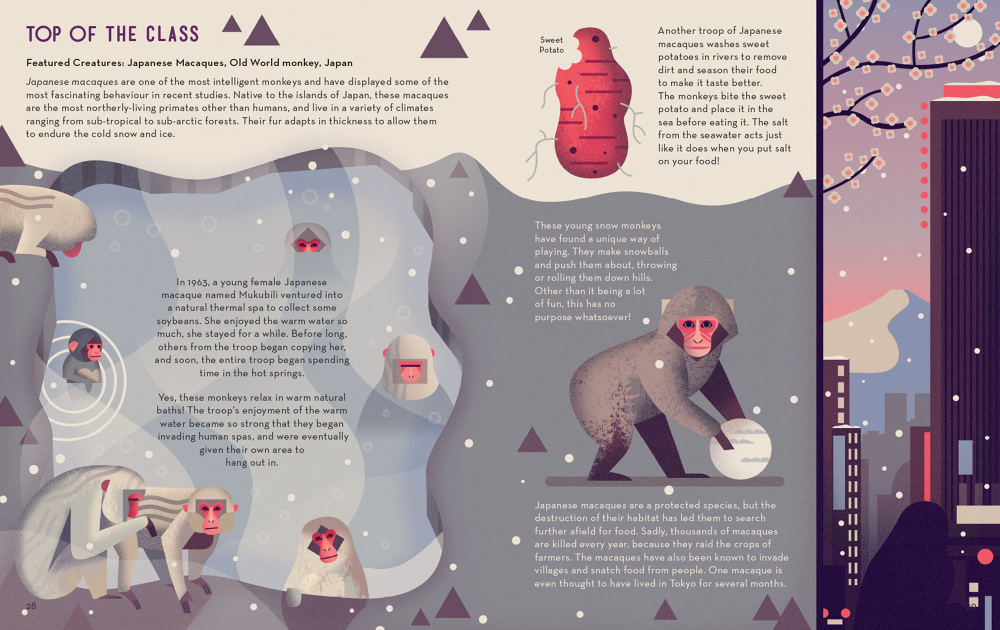
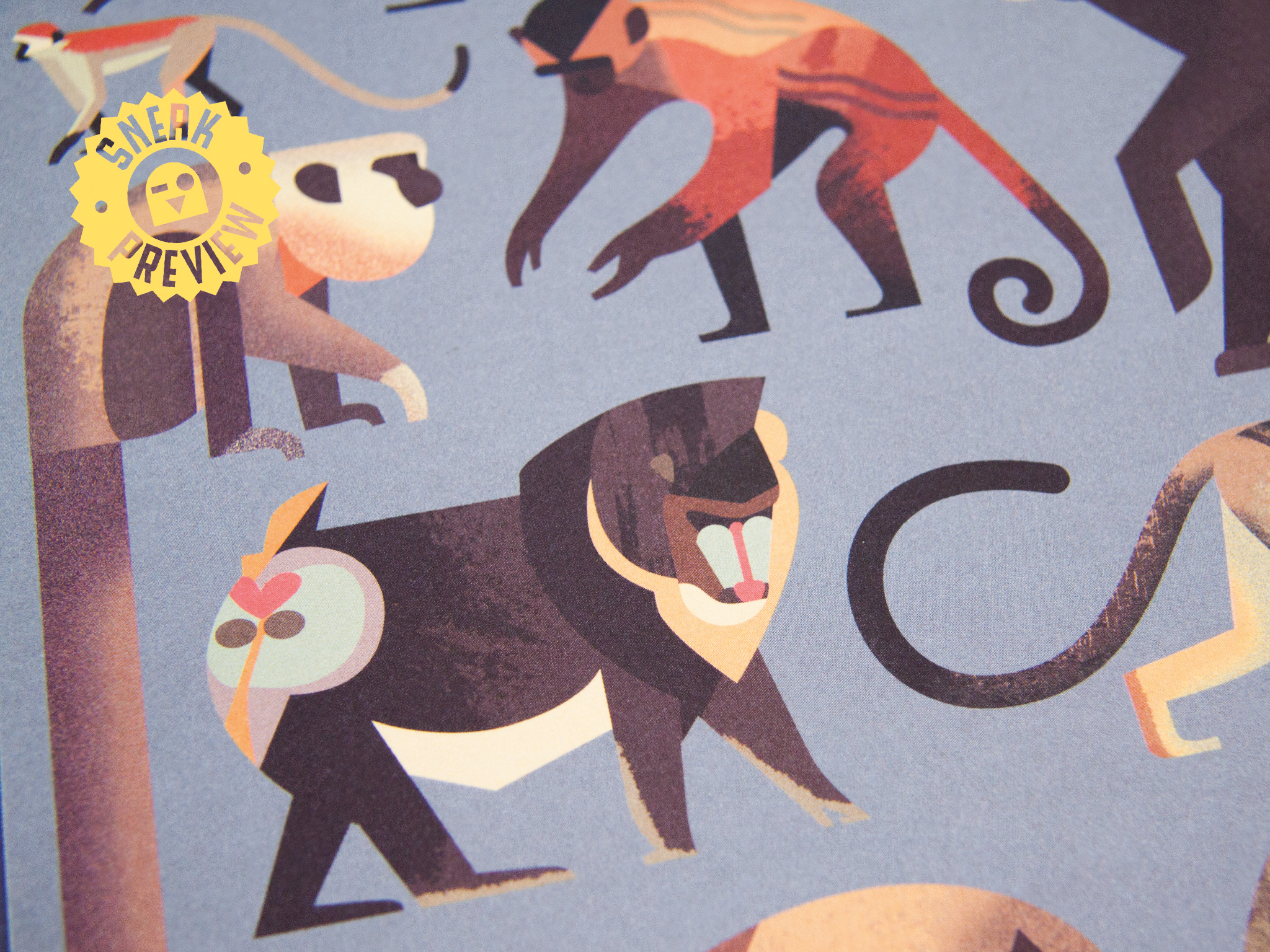
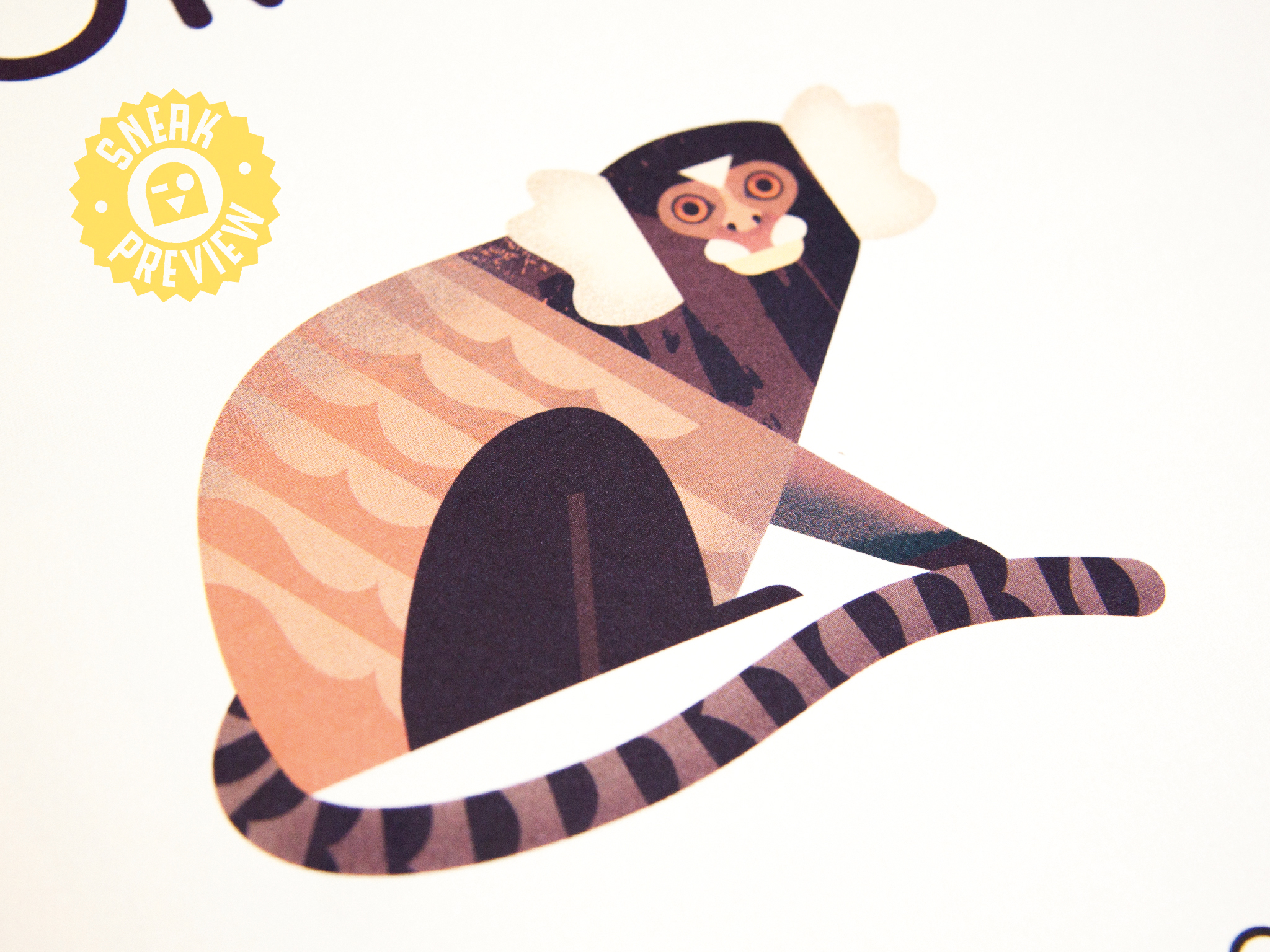
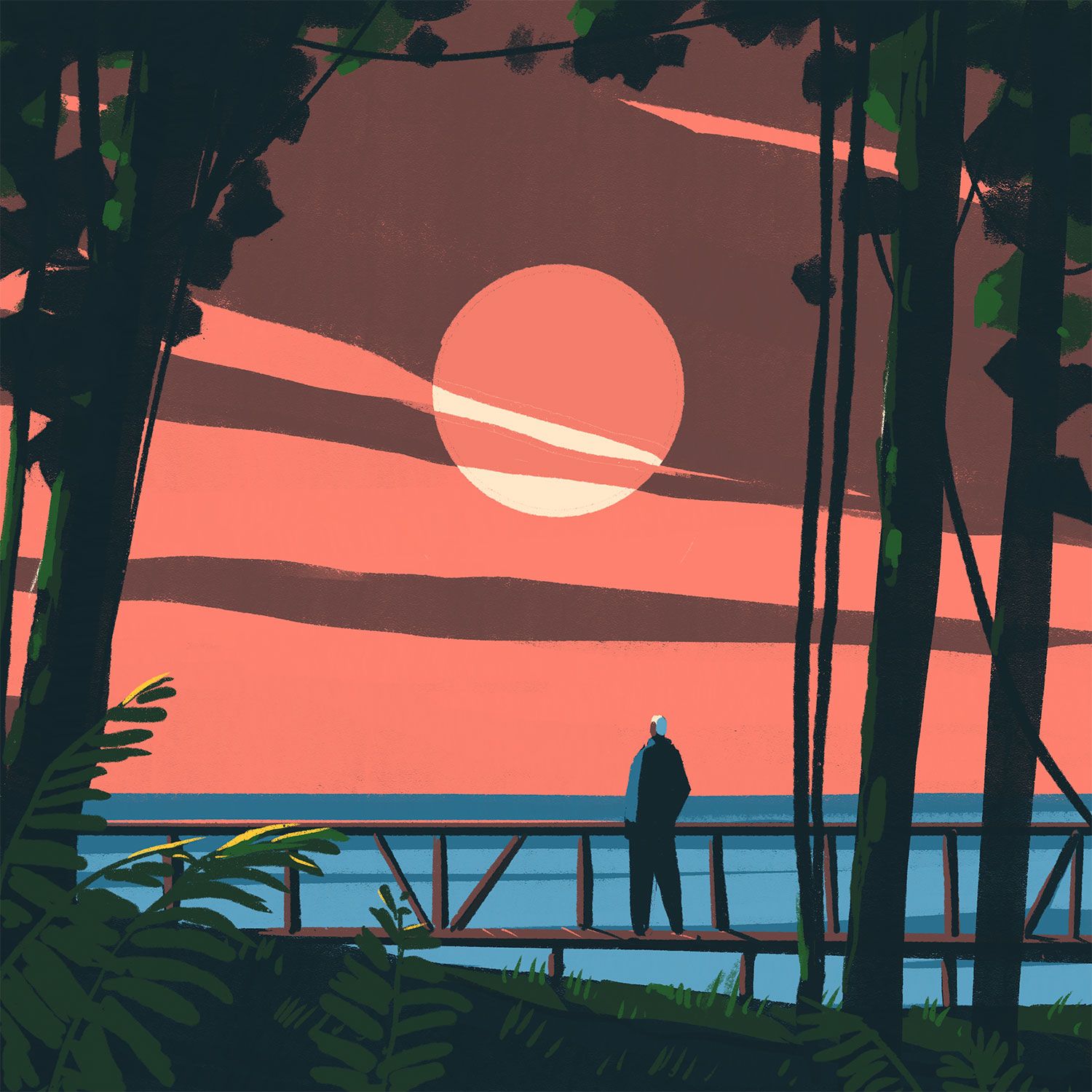
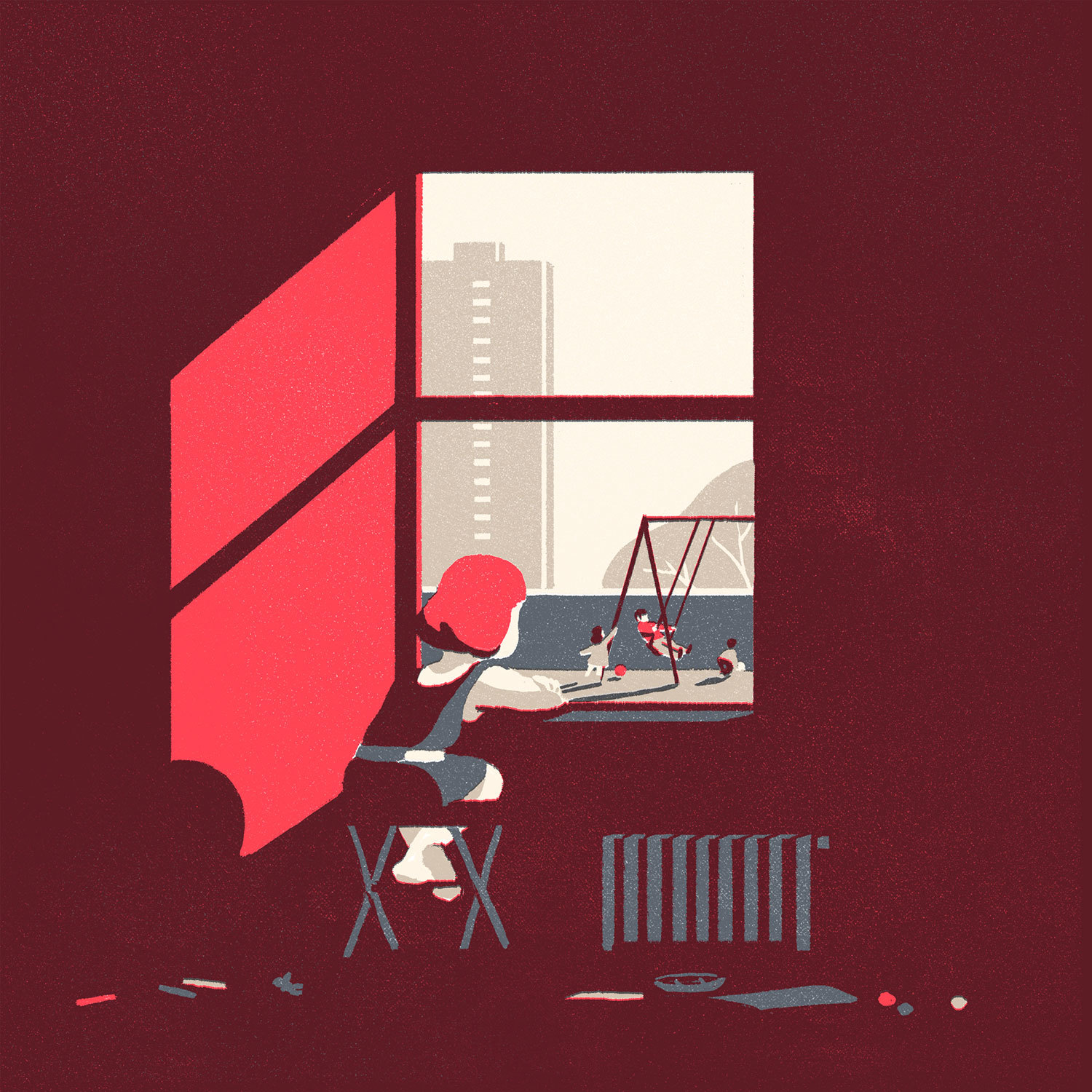
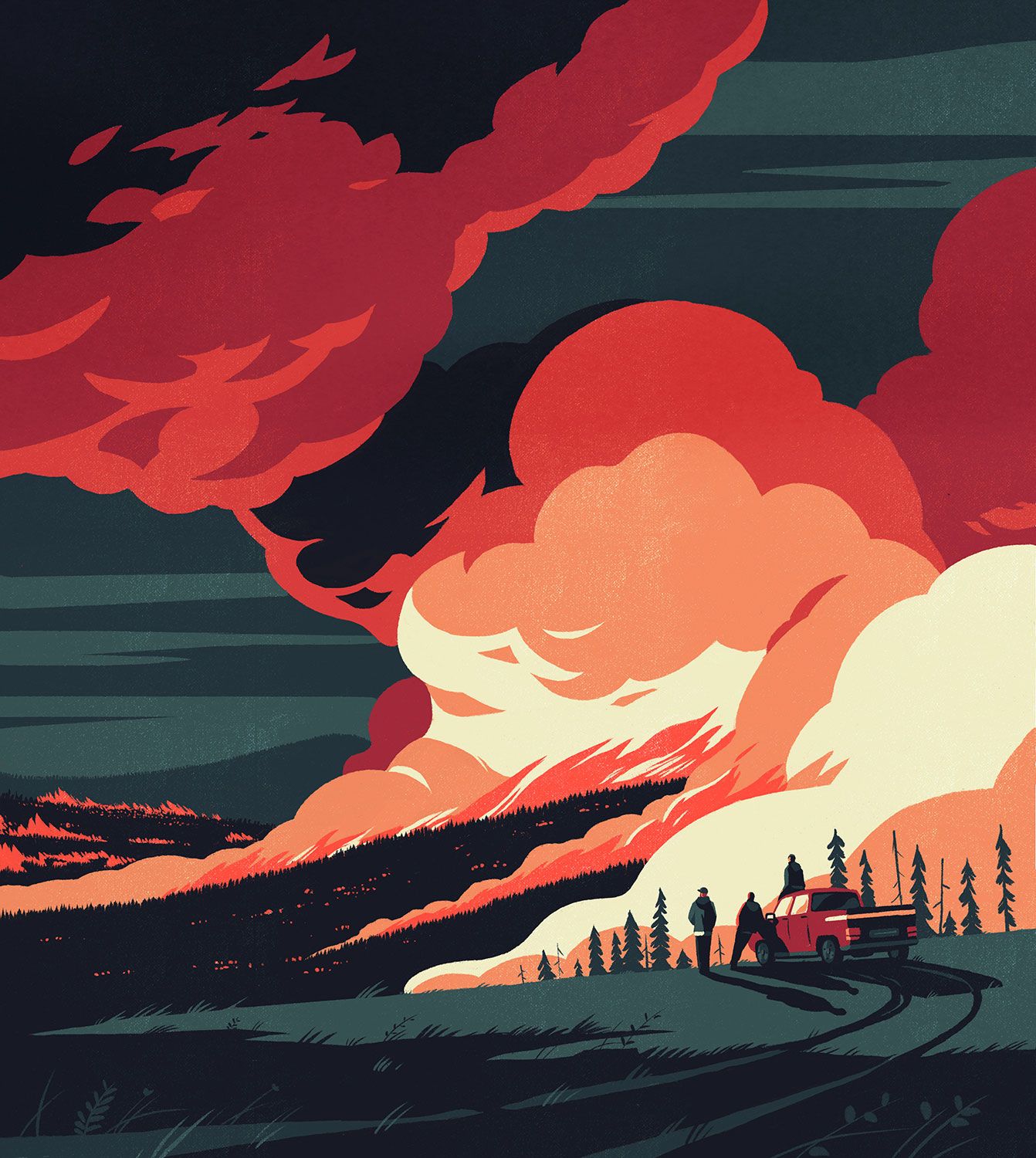
Pictures only. Look at the texture and where it sits.
03 · How
A brush in Photoshop, then Art and Scatter brushes in Illustrator. Demo first, then you do it.
04 · Exercise 4
Three brushes from your mark sheet, a test sheet, and one brush used on your poster. Then drawing time. The drawing is due finished Thursday.
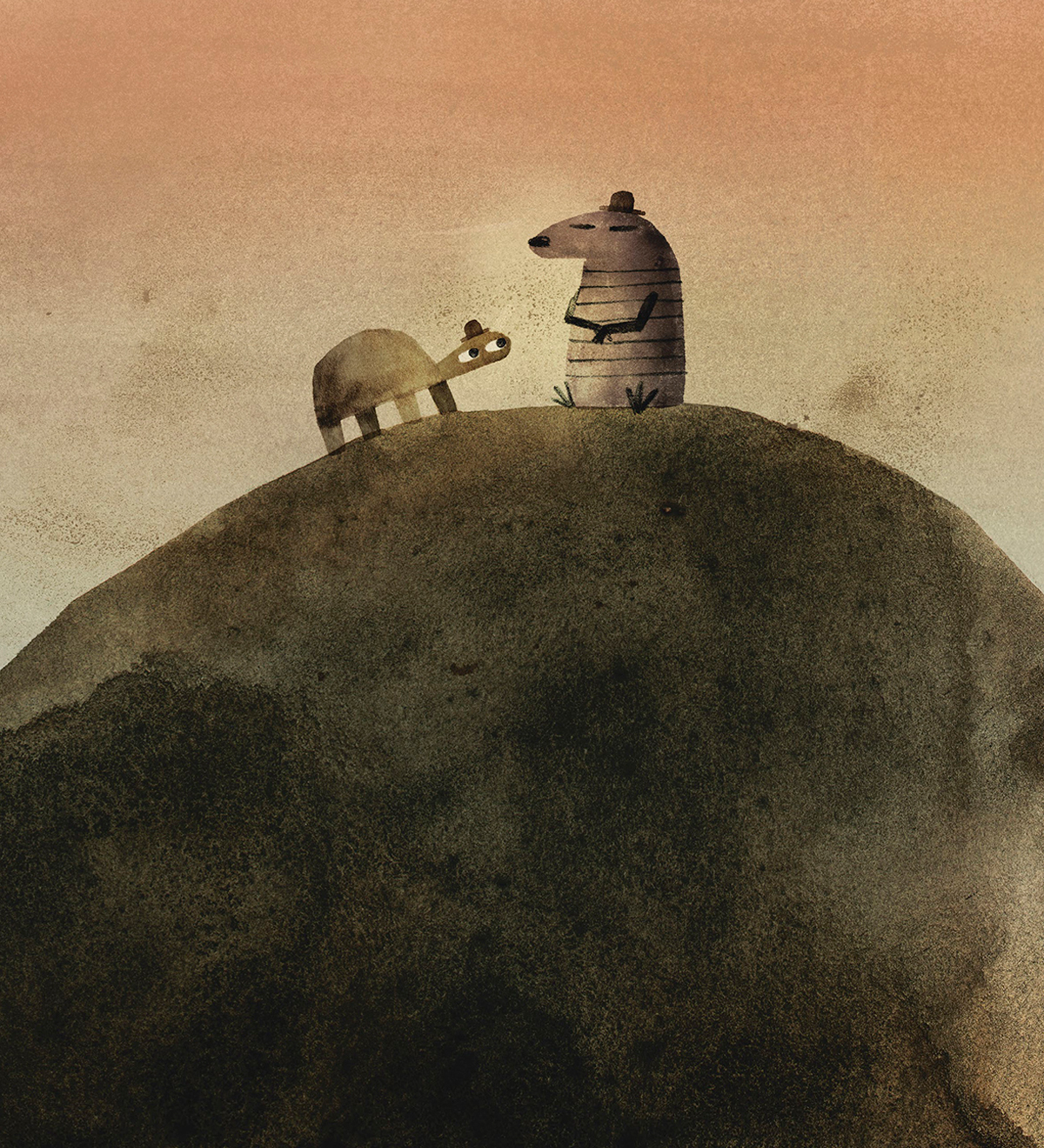
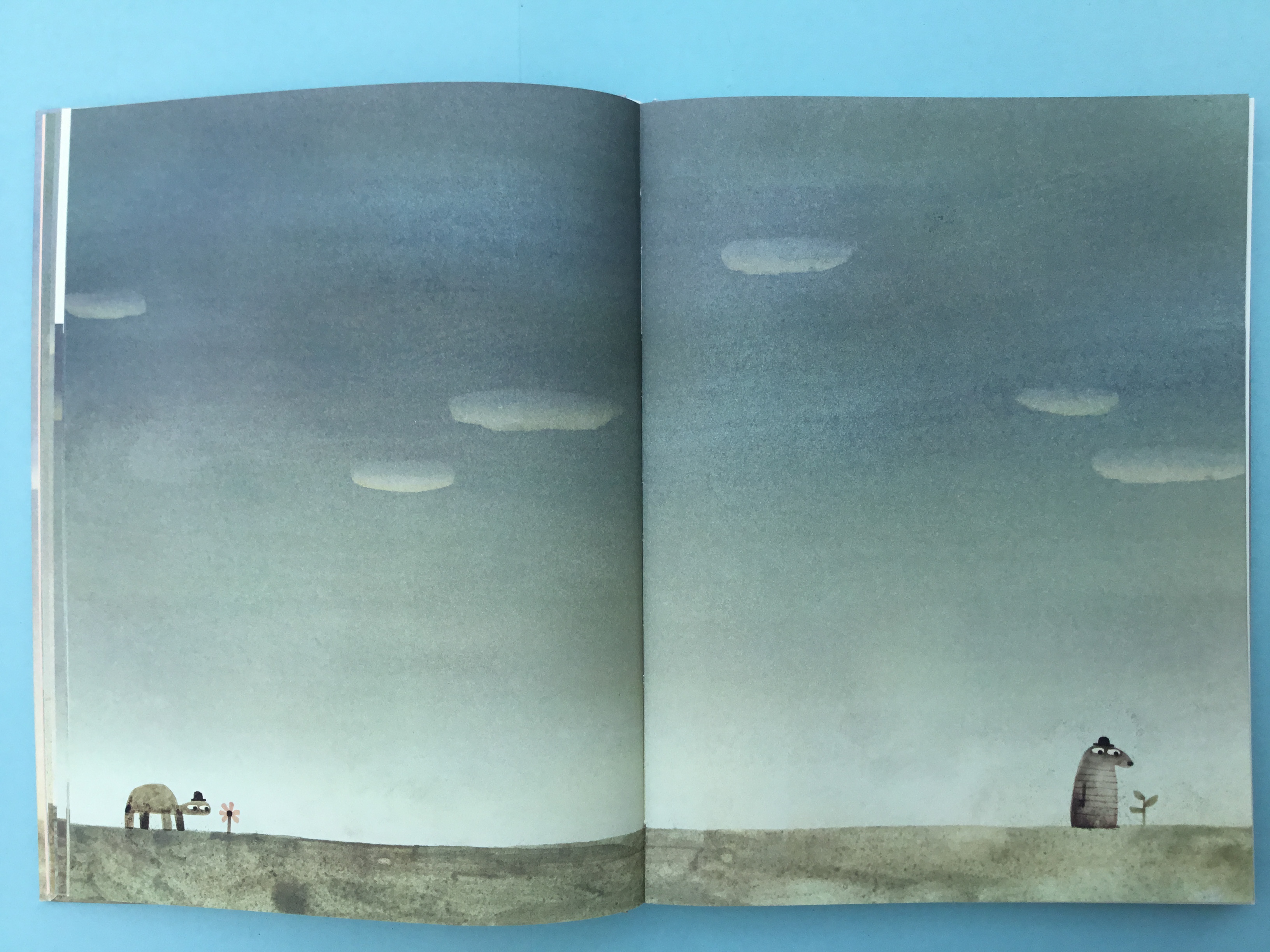
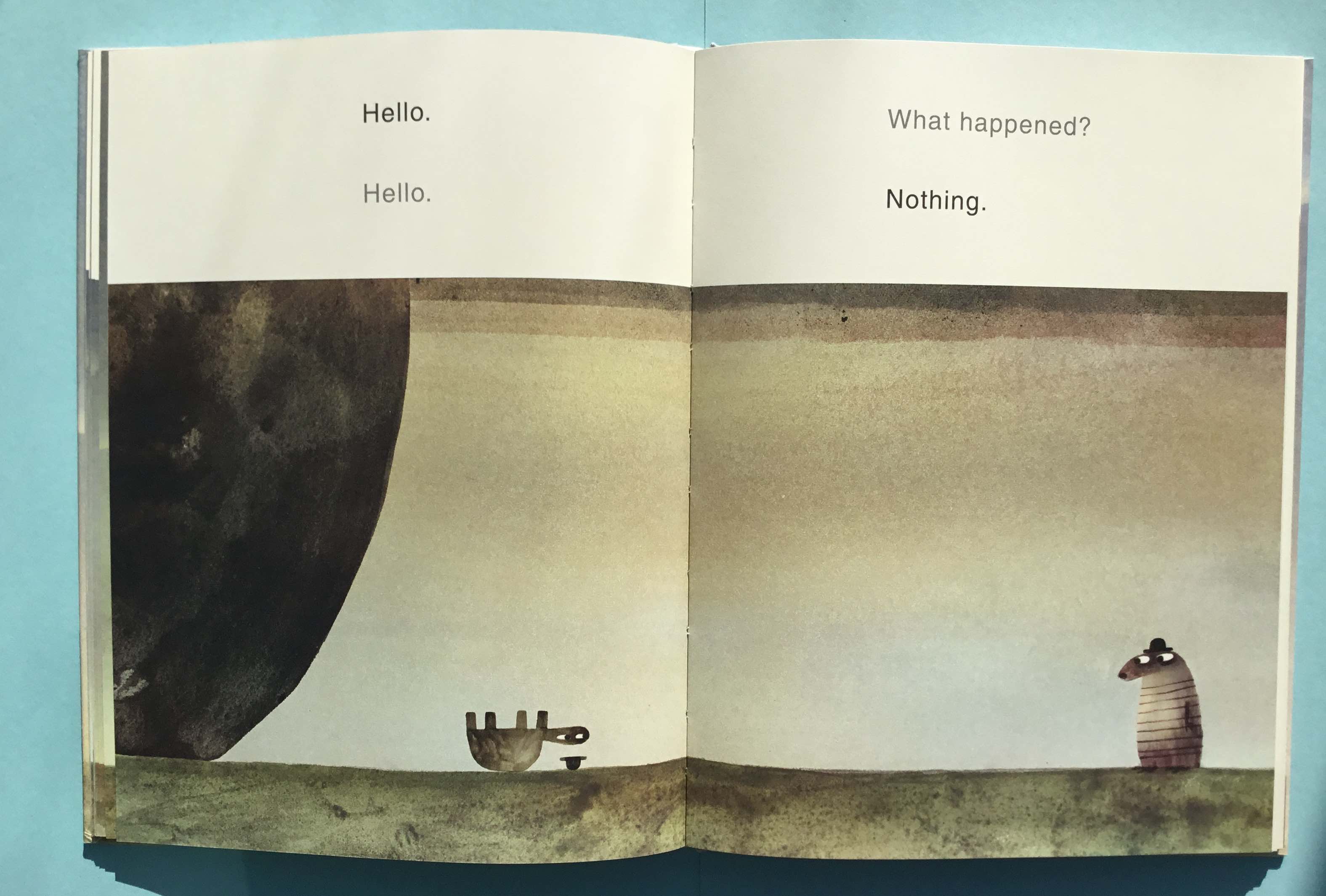
Three brushes, one test sheet, one use on your poster.
01 · Three brushes
From your own mark sheet: one that draws a line, one that lays down tone (a hatch, a scrub, a stipple), and one texture (a speck, a spray, a grain). Photoshop, Illustrator, or both.
02 · A test sheet
A letter-size file with each brush drawn three ways: a straight stroke, a curve, and a patch filled in. Label each with its name and the box it came from.
03 · On your poster
Photograph or scan your drawing as it stands, and use one brush on one shadow or one background area. It does not have to be final.
04 · Hand in
The brush file (.abr or .ai) and the test sheet as a PDF, plus the poster try as a JPEG. Before the break.